Smart Inspection Requests
Import contractor requests, extract inspection details automatically, schedule and track each inspection, attach supporting documents, and issue signed pass, fail, or pending results from one workflow.
 Inspector Desk
Sign In
Inspector Desk
Sign In

Compliance Architecture Digital Infrastructure Optimized Operations

Multi-project platform designed for the rigorous demands of California's Division of the State Architect Project Inspectors.
Purpose-built around real construction inspection workflows, from contractor requests and daily field records through DSA and agency documentation, reporting, and closeout.
Inspection workflows
Import contractor requests, extract inspection details automatically, schedule and track each inspection, attach supporting documents, and issue signed pass, fail, or pending results from one workflow.
Capture voice-to-text field notes, manpower, weather, equipment, and time-stamped photos, then connect contractors, work activities, and images to the applicable DSA card, building, permit, work area, or project structure.
Import individual documents or compiled logs, automatically extract key details, update statuses and responses, preserve supporting attachments, and generate current, sortable RFI and CCD reports.
Generate DSA 155 semi-monthly reports, manage DSA 152 inspection cards, and complete DSA 6 verified reports with project information already in place.
Keep completed forms, inspection logs, supporting PDFs, photographs, and project records organized from active construction through final verified reporting, closeout review, and DSA Box submission.
Search DSA IRs by number or subject, filter by discipline, code cycle, and status, bookmark frequently used references, and open the official state publication directly from the app.
Assisted Project Intelligence
Bring inspection requests, daily reports, DSA cards, agency permits, RFI and CCD activity, official and project-specific forms, photographs, special-inspection records, and supporting documents together throughout the project lifecycle.
See how field records stay connected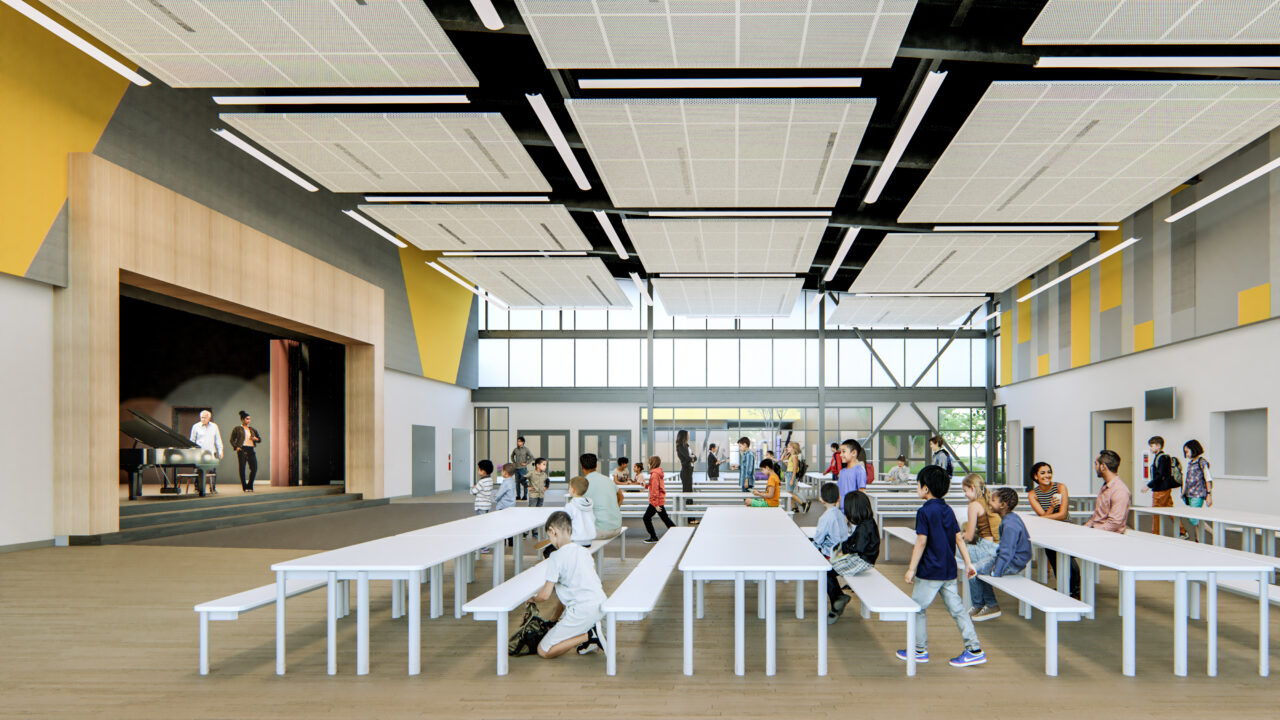
A unique, structured workspace for every DSA and agency inspection project.
Project-built workspaces
Every project maintains its own secure workspace, configured around its DSA application, agency project number, permit structure, buildings, project directory, required forms, and authorized users.
DSA School Inspectors Inc.
Inspector Desk is informed and advised by more than 80 years of combined California building inspection experience across DSA-regulated K-12 and higher-education work as well as civic and public-works projects, including new construction, modernization, seismic upgrades, and active facilities.
Selected project history
Each project reflects field and administrative experience coordinating approved documents, inspection activity, project teams, and accountable closeout records.
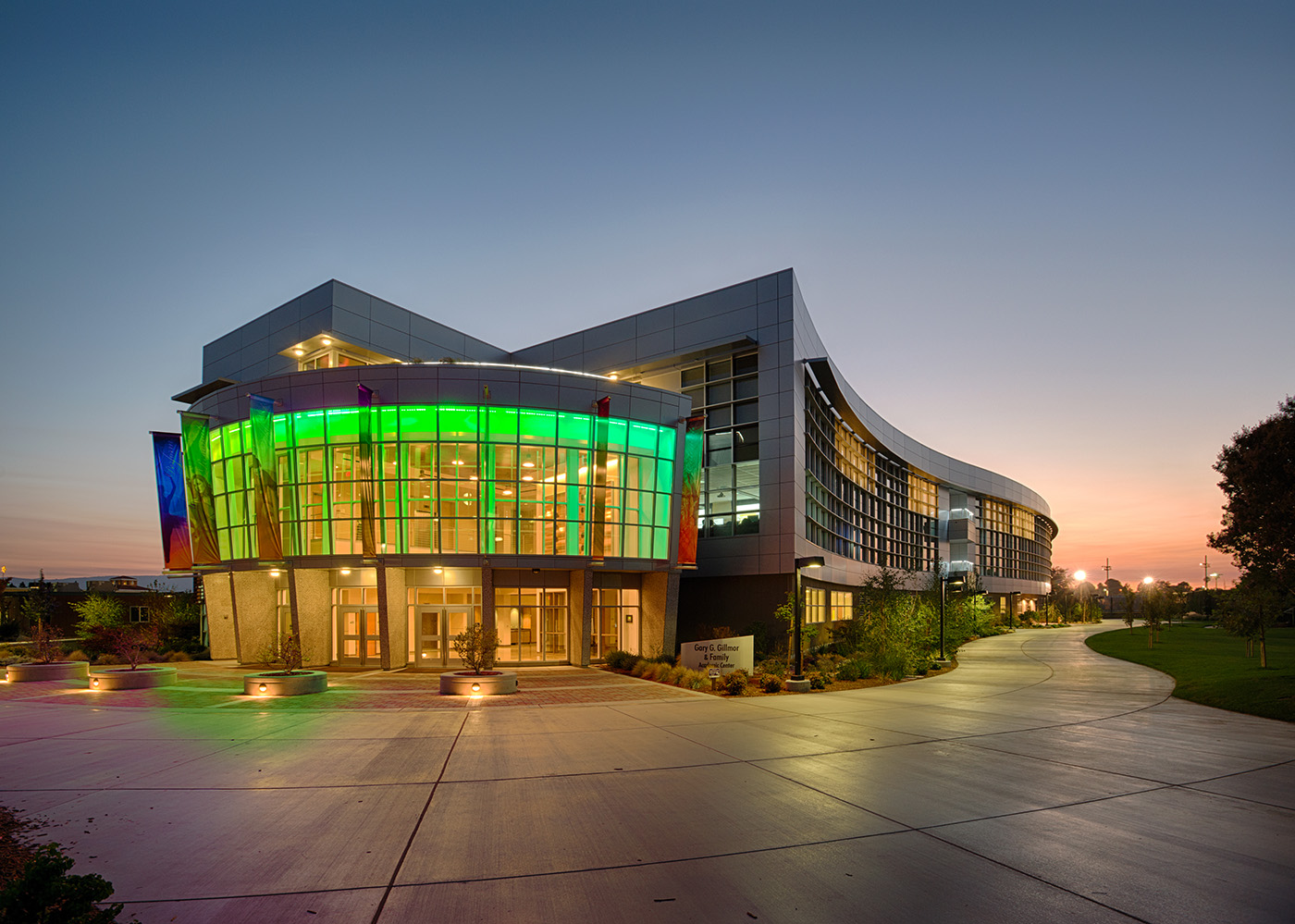
Higher education · New construction
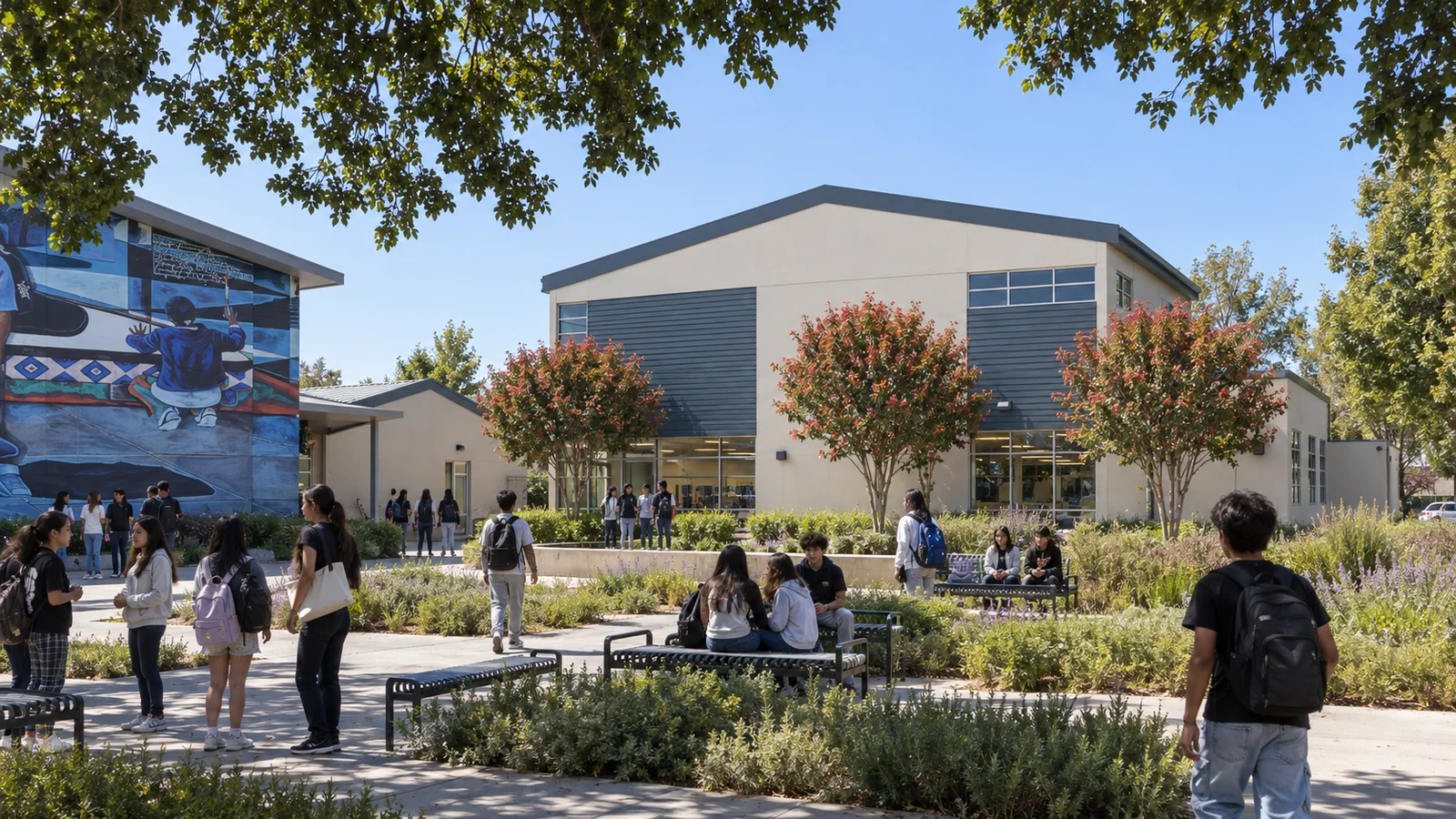
K-12 · New construction and modernization
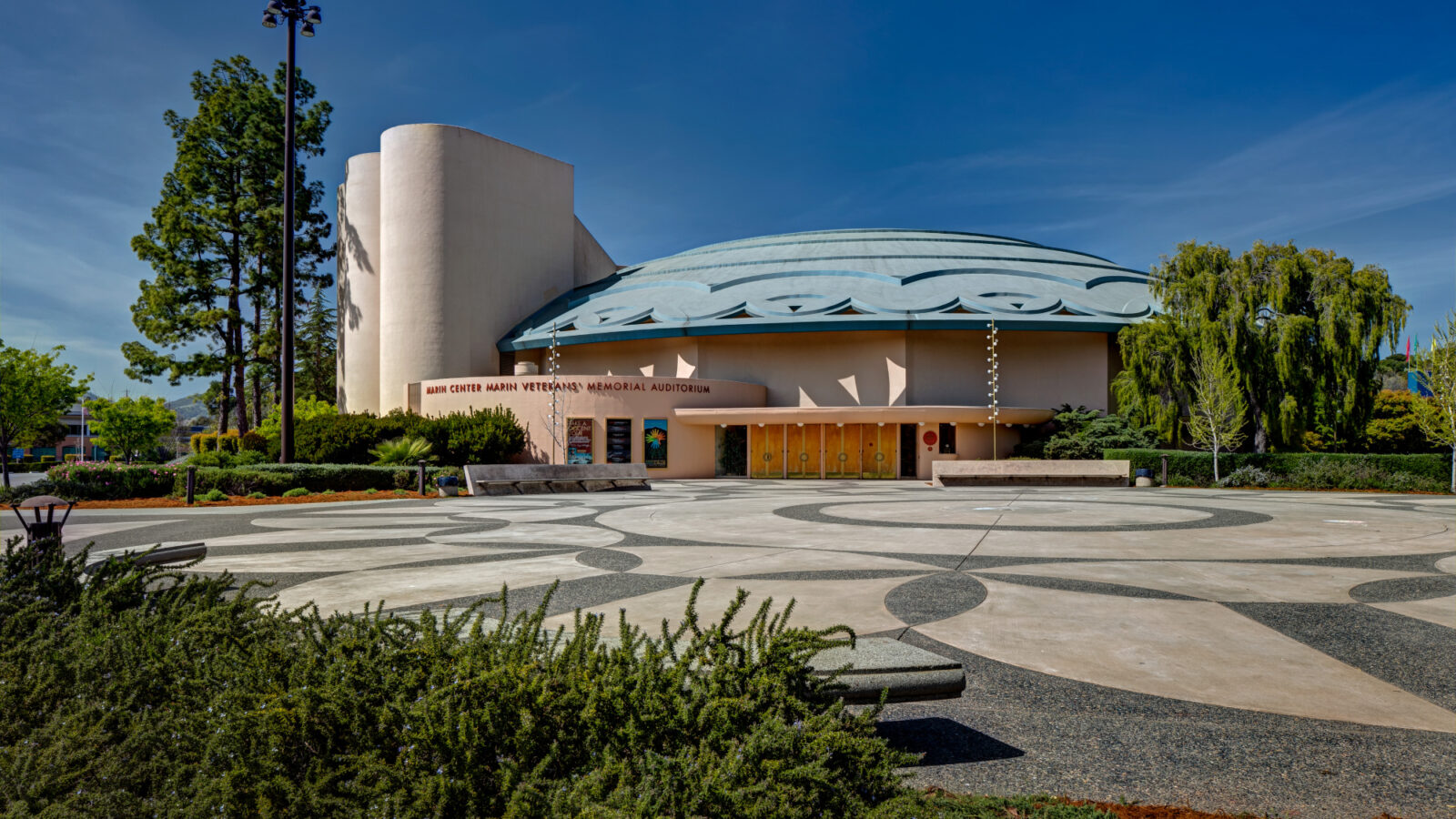
Public facility · Seismic retrofit
Common questions
Yes. Inspector Desk can be configured for non-DSA inspection workflows, including permit-based projects, inspection requests, field reports, photos, correction tracking, RFI and change documentation, project directories, and agency-specific forms. Each workspace is tailored to the project and jurisdiction, so DSA-specific tools can be replaced with the records, forms, and reporting your agency requires.
No. Inspector Desk organizes field records and completed documentation so teams can review, download, and prepare material for submission through DSA Box.
Yes. The web app supports field workflows on phones and tablets, including inspection records, daily reporting, photographs, tags, and signatures.
AI helps extract information, organize records, and draft summaries, narratives, tags, and form content. The inspector reviews, edits, approves, and signs every final record.
Inspector Desk supports DSA 6-PI verified reports, DSA 151 notifications, DSA 152 inspection cards, DSA 154 notices of deviation, DSA 155 semi-monthly reports, DSA 156 commencement and completion notifications, and DSA 211 continuation pages. Project information is carried into supported forms while the official form format is preserved.
Yes. One inspector can manage multiple projects from a single account. Each project retains its own DSA application or agency information, cards, permits, buildings, project structure, directory, reports, forms, attachments, and access settings.
Yes. The inspector or account administrator controls access by project and feature. Architects, construction managers, districts, and other stakeholders may be given read-only access without permission to alter inspection records.
Inspection records remain under the inspector's administrative control. The inspector determines who may view each project, who may contribute, and who may manage or publish official records.
Discuss your project
Tell us about your project, workload, and reporting requirements. We'll recommend the right fit, from supplemental administration to complete project oversight.